
Private, on-device video compression
Shrink videos.
Keep the moments.
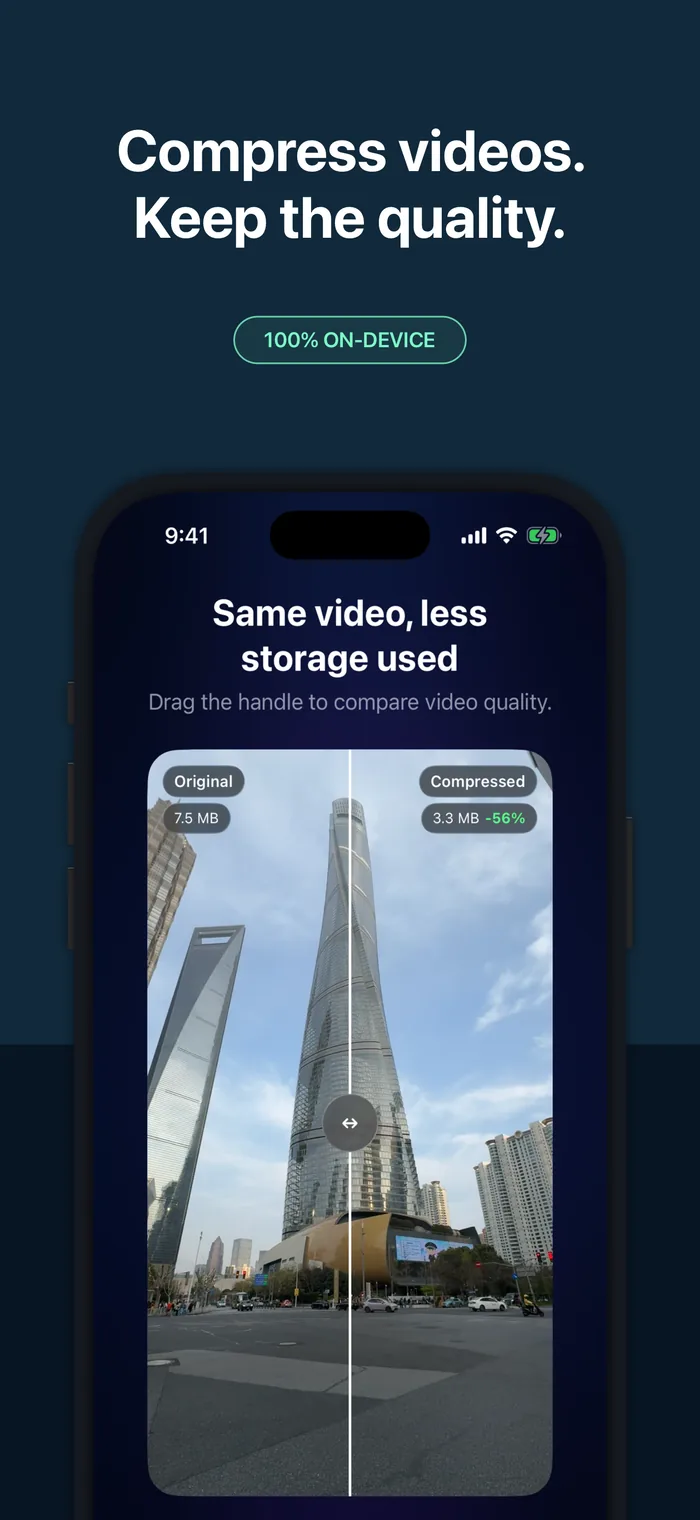
Reduce video size, recover iPhone storage, and compare the real result before deciding what happens to the original.

Private, on-device. Your videos are never uploaded to SwiftLee servers.
See the opportunity
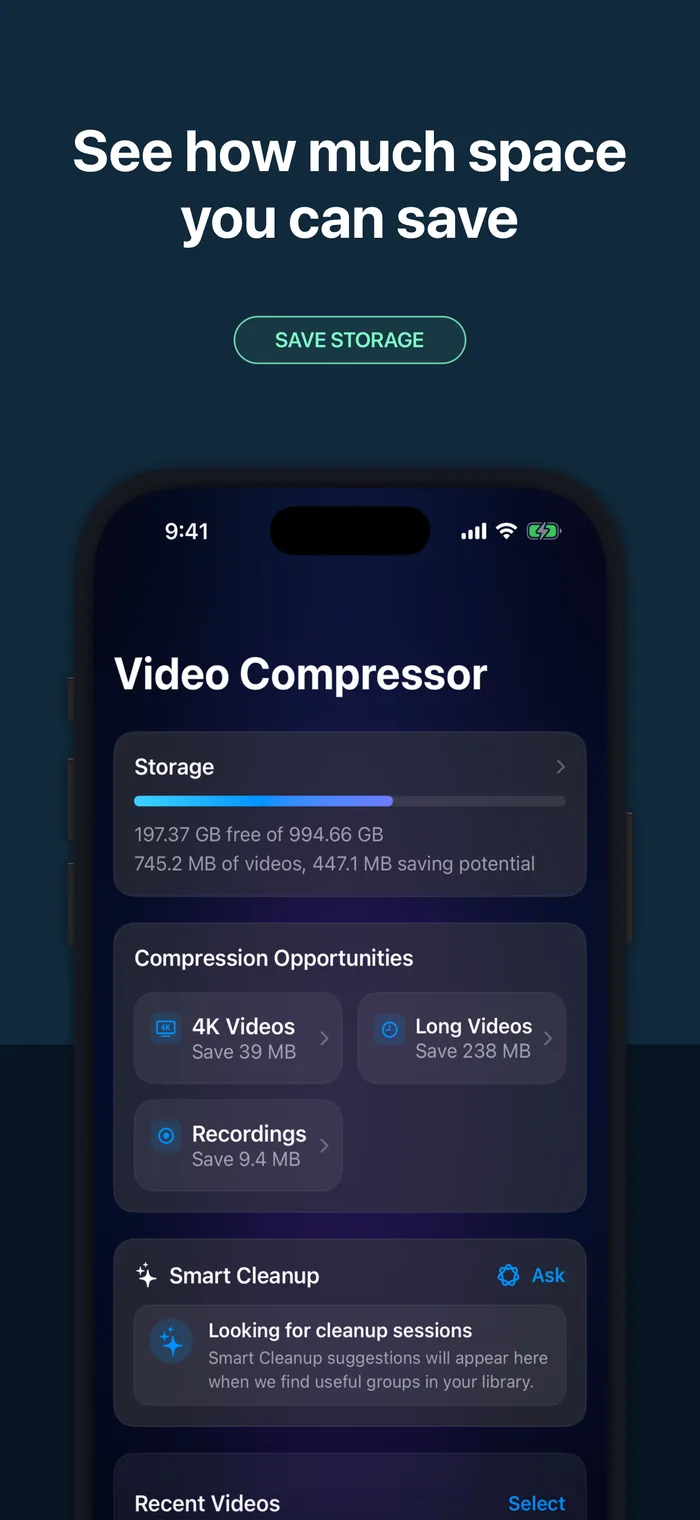
Your storage, made visible.
Scan your library to understand what your videos use and how much room you could recover—before choosing a single file.
Private by design
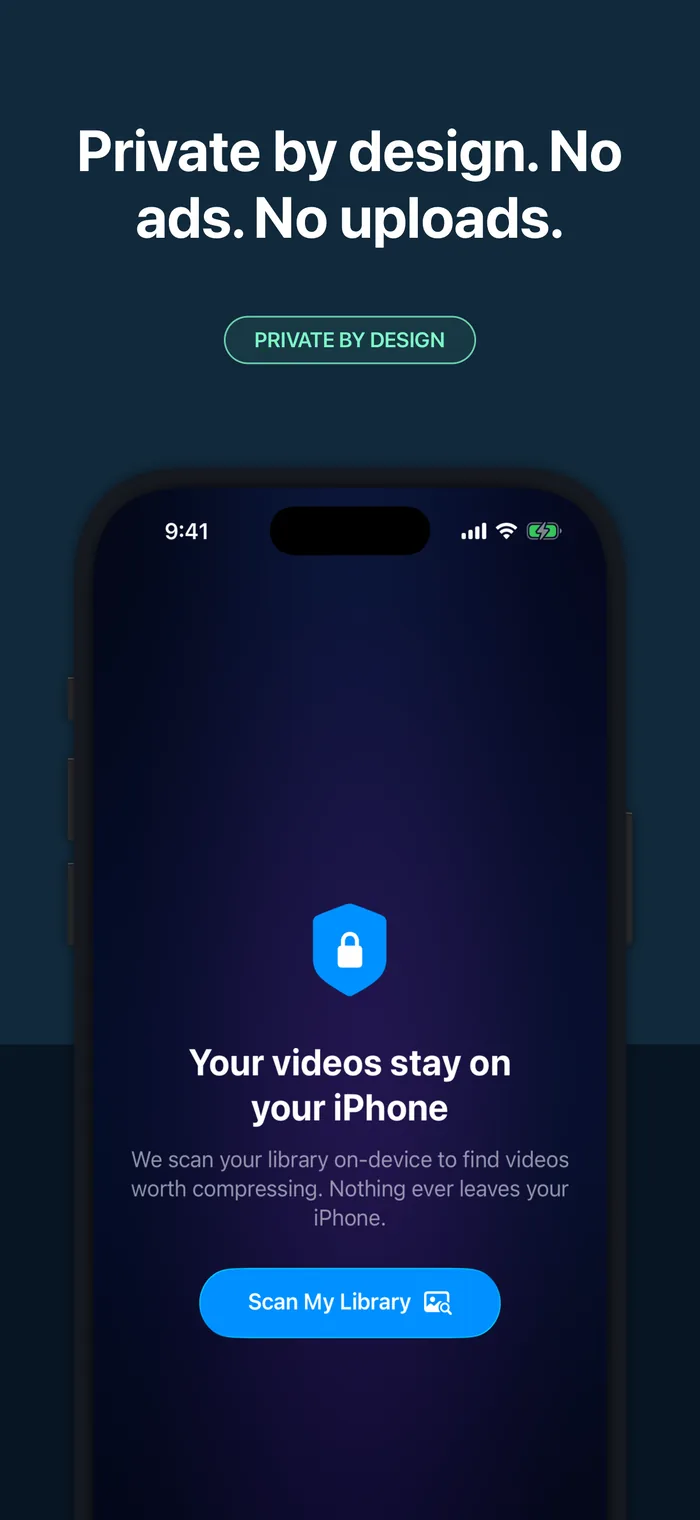
Your videos stay yours.
Compression runs on your iPhone. Video and photo content is never uploaded to SwiftLee servers.
A smarter starting point
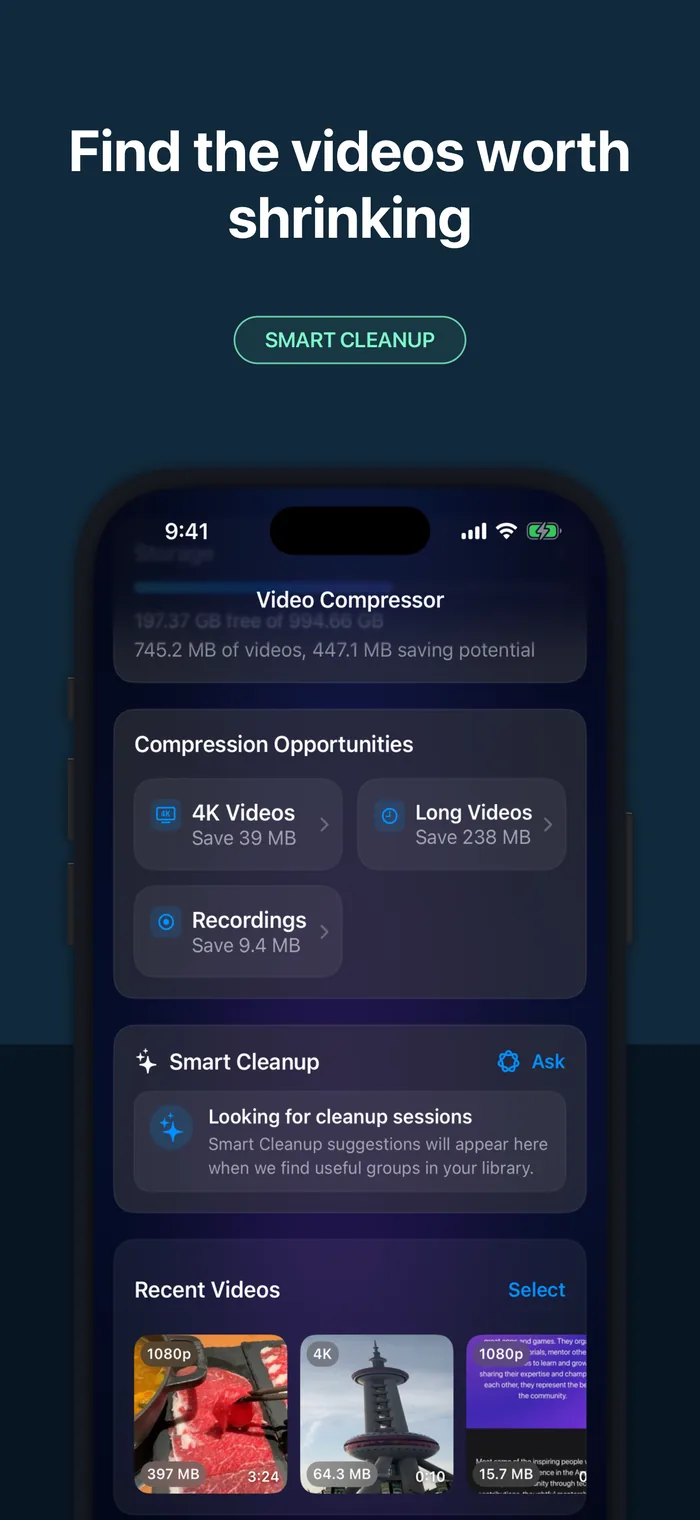
Find the videos worth shrinking.
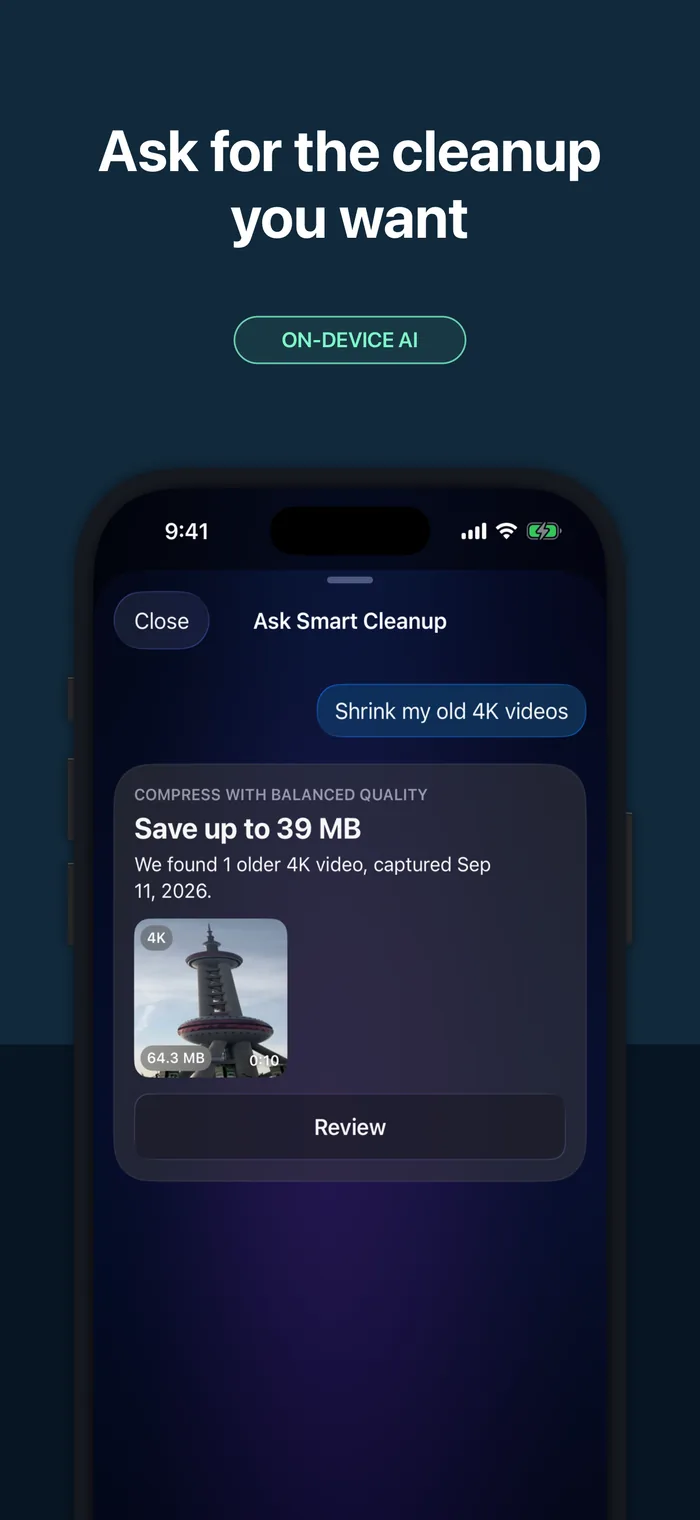
Smart collections surface large, long, recent, and 4K videos. Ask Smart Cleanup can turn a plain-language request into a reviewable plan.
You set the balance
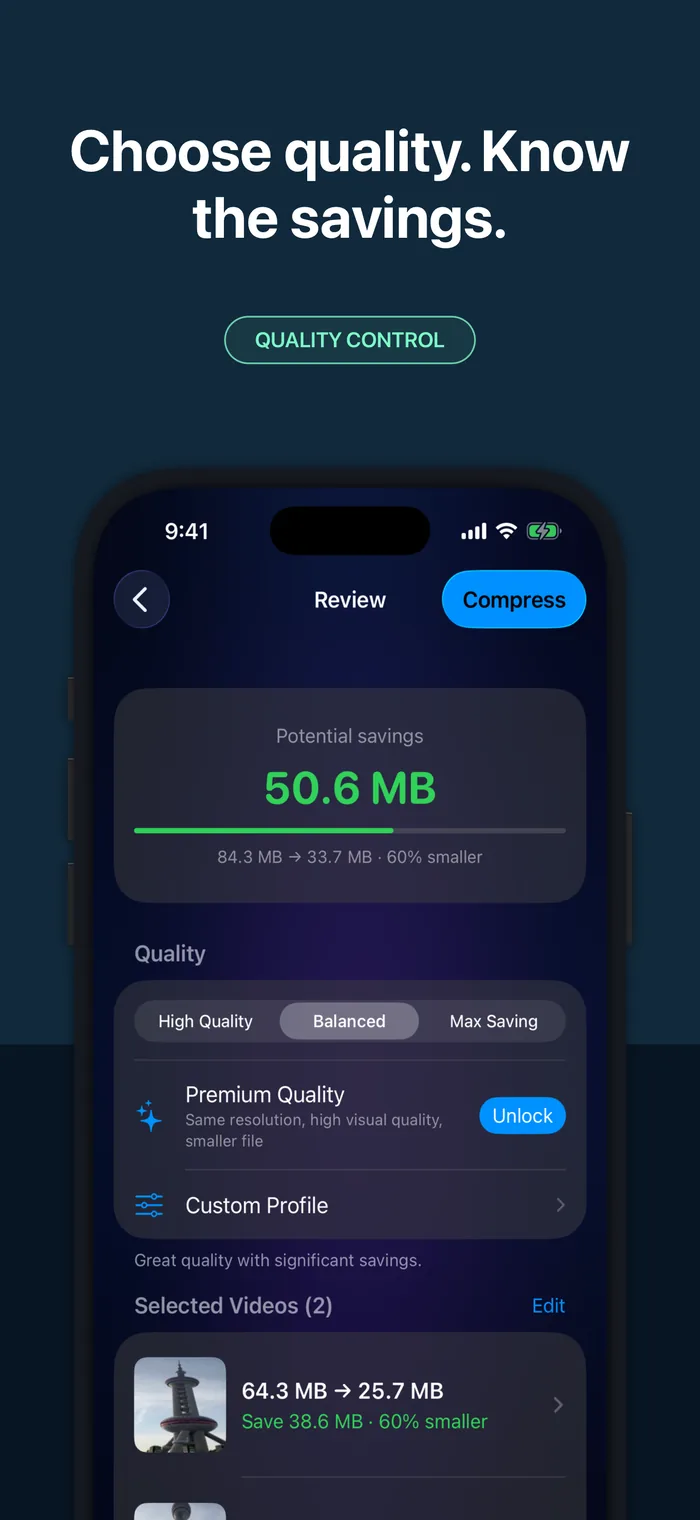
Choose quality with confidence.
Pick High Quality, Balanced, or Max Saving. The estimate updates before compression starts, so the trade-off stays clear.
Proof before cleanup
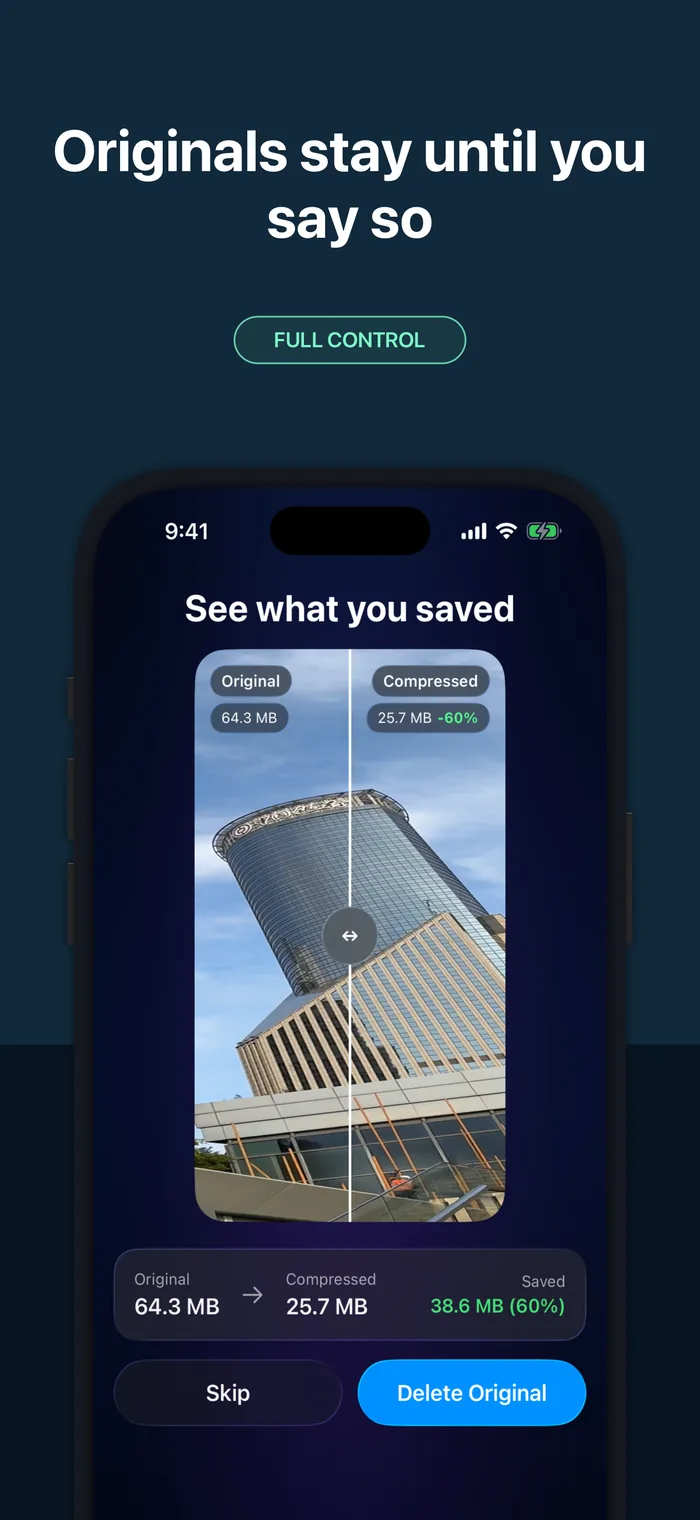
Compare first. Delete only when ready.
Review the real original and compressed result side by side. Keeping or deleting the original is always your decision.
Make room without guessing
Big videos.
Smaller footprint.
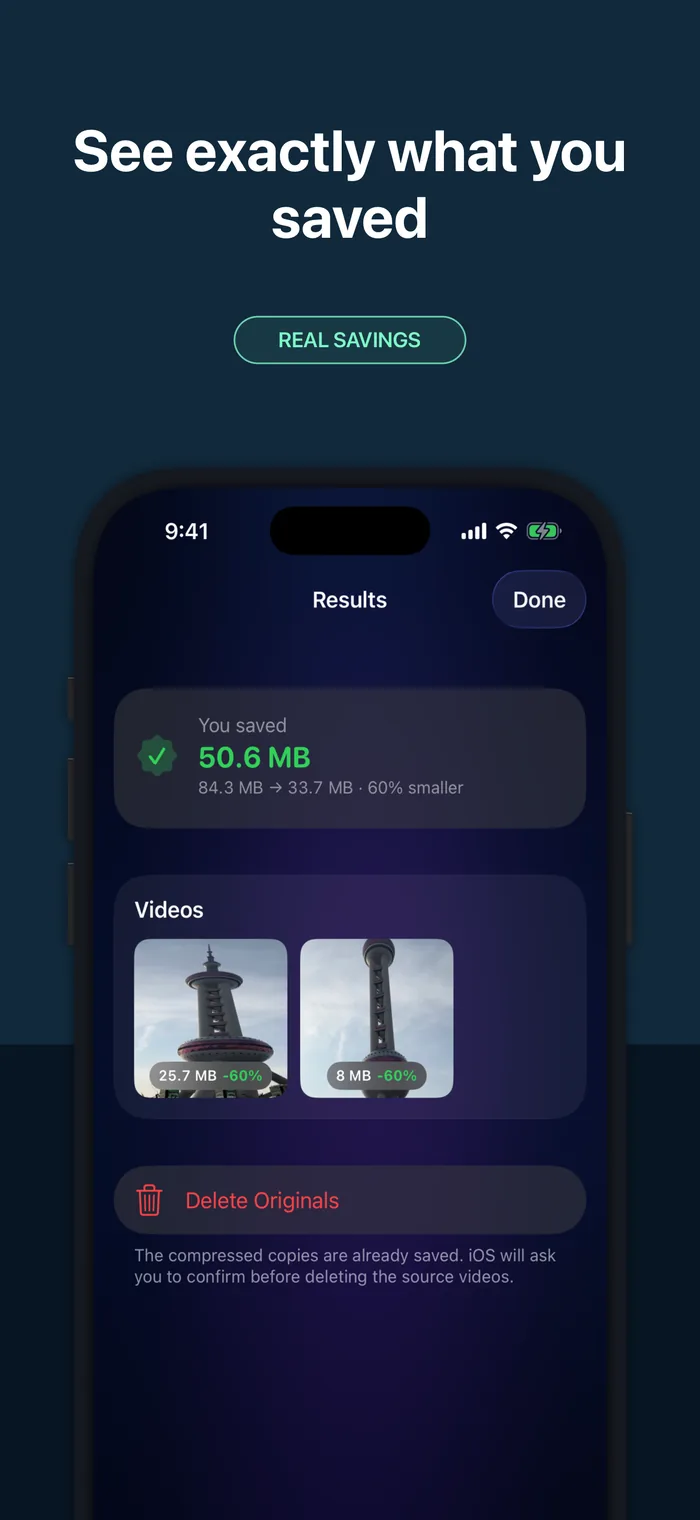
Scan free. Choose your quality. See the savings before you clean up.